
Download Game Extractor – extract game files, modding tool, game files extractor, extract game content, extract game audio, extract game textures, extract game videos
Overview
Game Extractor is a specialized utility designed for gamers and modding enthusiasts seeking to access and manipulate game content across multiple platforms. The app enables users to extract core game assets such as audio, images, textures, and video files from a wide variety of games, including titles from PC, Android, and console environments. By providing a centralized interface for file extraction and inspection, Game Extractor supports both casual users exploring game data and advanced modders looking to create custom content.
Its primary purpose is to lower the technical barrier to entry for modding by offering a structured, user-friendly approach to file management within games. The developer, Game Extractor Team, has positioned the tool as an essential component in the modding ecosystem, particularly for those interested in enhancing or reimagining existing games. Real-world use cases include creating custom skins, altering in-game music, and repurposing visual assets for fan projects.
Although the developer did not provide additional technical details about the team’s background or prior projects, the app’s broad compatibility and feature set suggest a focus on community-driven development. The release of Game Extractor in June 2024 underscores its relevance in a growing modding culture, where user-generated content continues to shape the longevity and appeal of gaming titles.
Key Features & Functionality
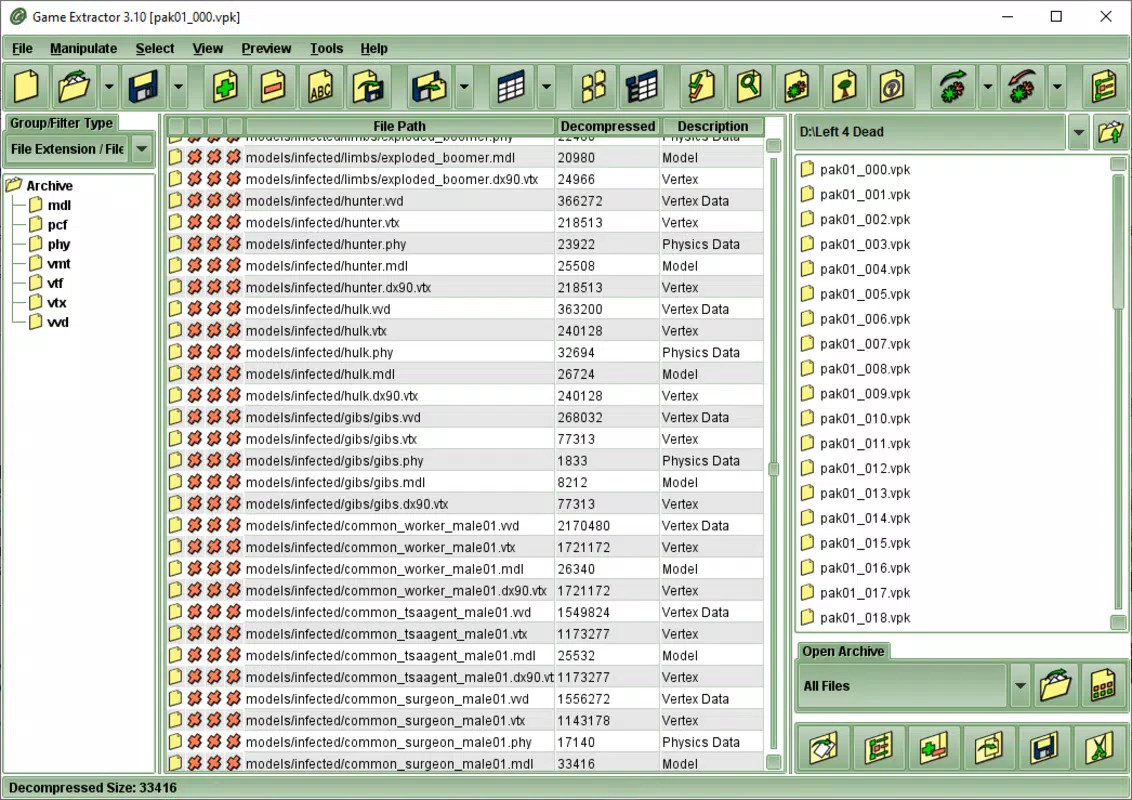
- File Extraction: Game Extractor allows users to extract audio, textures, video, and other game assets directly from game archives, enabling deep exploration of game content without requiring prior technical expertise.
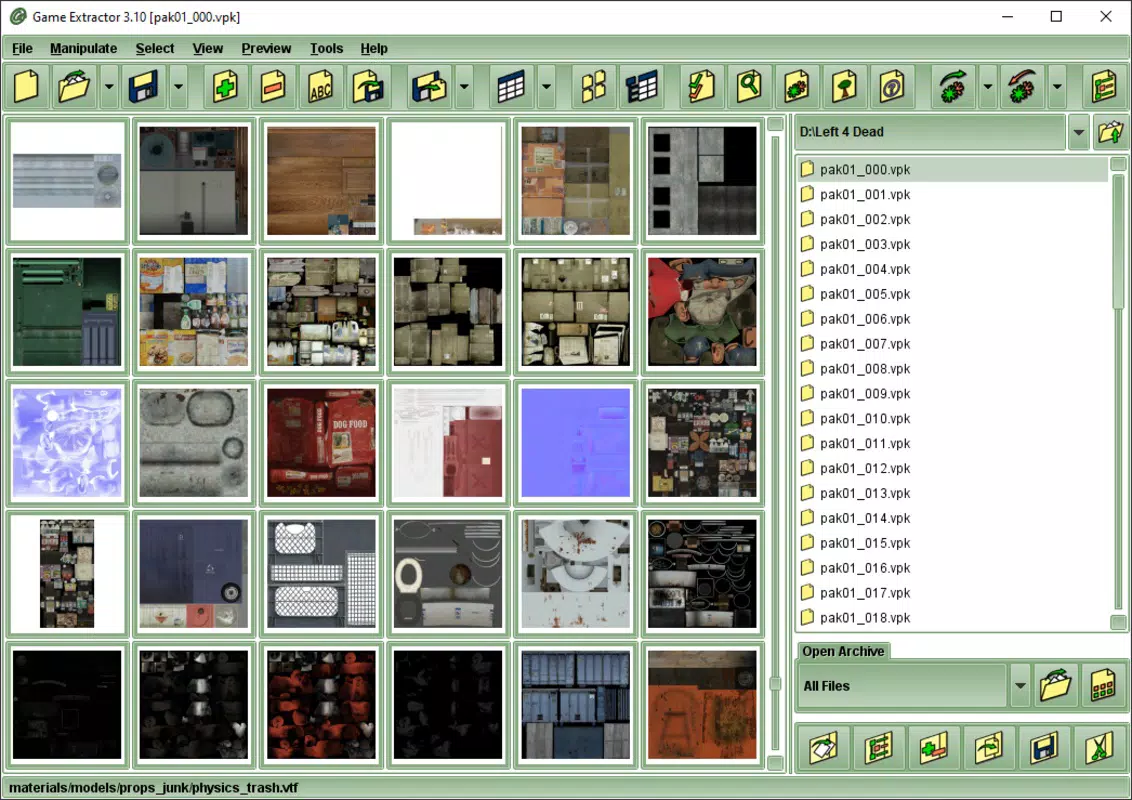
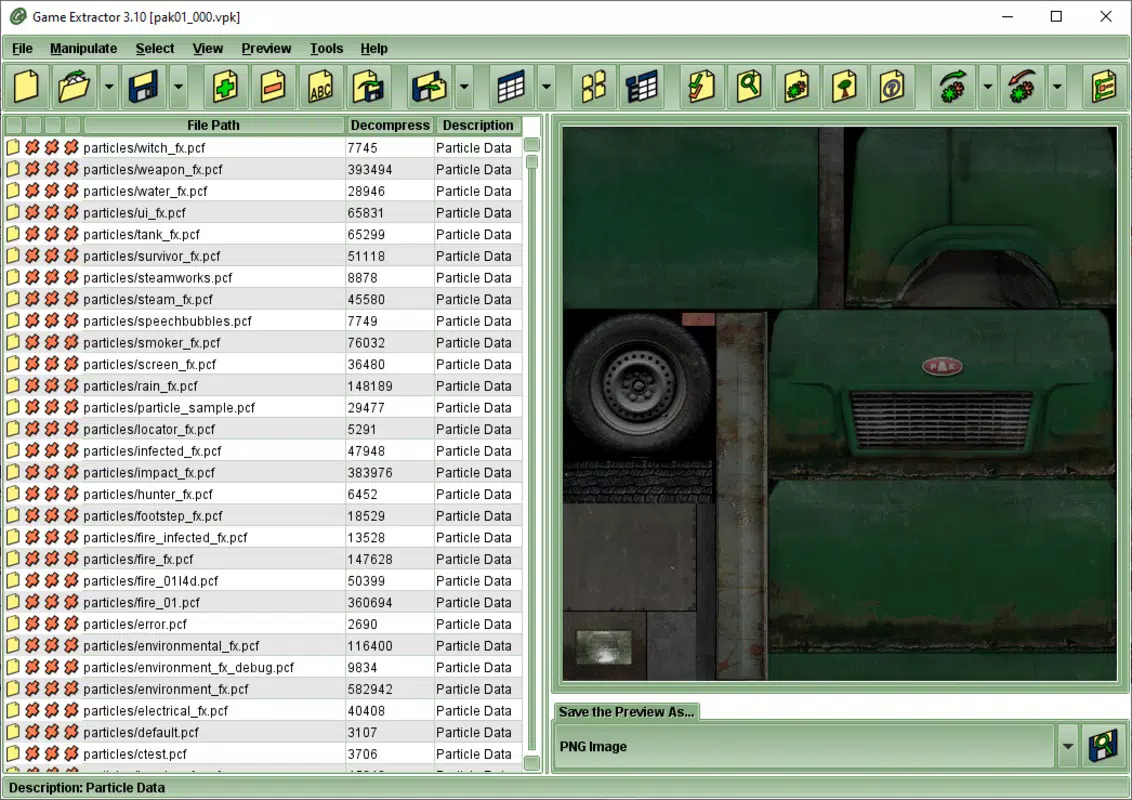
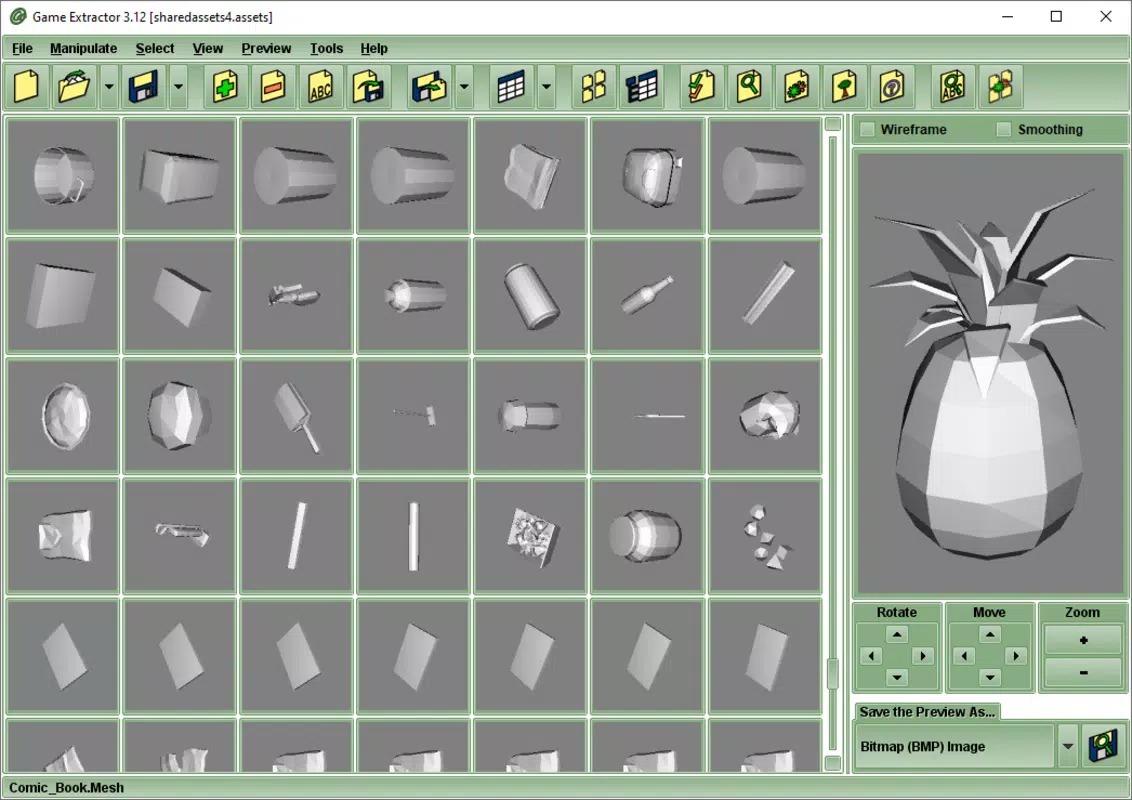
- Thumbnail Previews: The paid version includes the ability to view texture thumbnails and play audio files within the application, reducing the need for external tools during the modding workflow.
- Platform Compatibility: The app supports thousands of games across PC, Android, and console platforms, making it a versatile tool for modders working with diverse game formats.
- Mod Creation Support: By extracting and organizing original game files, users can modify content and repackage it into custom mods, which can then be shared within gaming communities.
- Java Dependency: Game Extractor requires Java to be installed on the system, ensuring access to the libraries needed for file parsing, multimedia playback, and cross-platform functionality.
For example, a modder working on a custom character skin can use Game Extractor to extract the base texture, edit it using an image editor, and then reinsert it into the game archive. Similarly, a fan creating a music remix for a retro game can extract the original soundtrack, convert the files, and reintegrate them seamlessly. The tool streamlines the process by eliminating the need to manually navigate complex file structures. While the free version offers core extraction capabilities, the paid upgrade enhances usability with built-in previews and editing tools, significantly improving efficiency. The integration of Java ensures consistent performance across operating systems, though users must manage this dependency independently.
Interface, UX & Performance
Game Extractor features a clean, functional interface designed with modding workflows in mind. The layout organizes game files into intuitive categories such as audio, textures, and videos, allowing users to browse content efficiently. Navigation is linear and straightforward, with a file tree view on the left and a preview pane on the right.
The visual style prioritizes readability and usability over decorative elements, aligning with the tool’s practical purpose. Although the developer did not list formal performance metrics, the app operates smoothly on standard desktop systems, with responsive interactions during file browsing and extraction. Stability appears consistent during typical use, though performance may vary depending on the size and complexity of the game archives being processed.
The application maintains a low memory footprint relative to its functionality, which is beneficial for users working with large game files. Responsiveness is maintained across different screen resolutions and window sizes, indicating solid cross-device adaptability. The user experience is further enhanced by contextual tooltips and clear labeling, which guide users through each step of the extraction process.
While the tool lacks real-time progress tracking for large operations, the overall flow remains intuitive and accessible to both beginners and experienced modders. The absence of built-in error handling documentation suggests that troubleshooting may rely on external community resources.
Platform Compatibility & Technical Requirements
Game Extractor is available on Windows, macOS, and Linux operating systems, reflecting a commitment to cross-platform accessibility. The current version is 1.4.2, with a file size of 128 MB, making it a lightweight download for users across different devices. The app requires Java to be installed on the system, a mandatory dependency for proper execution.
However, the developer did not specify minimum OS requirements, nor did they provide information on hardware specifications such as RAM or CPU. This lack of detailed technical documentation means users must rely on general system compatibility to ensure smooth operation. The absence of mobile or console versions indicates that the tool is intended solely for desktop environments.
While the app supports a wide range of game formats, the exact list of compatible titles was not disclosed. Users should verify compatibility with specific games through external sources or community forums. The release date of June 28, 2024, marks the most recent update, suggesting ongoing development and support.
The free availability with in-app purchases implies a freemium model aimed at balancing accessibility with monetization.
Pros and Cons
Pros
- Supports a wide range of game platforms including PC, Android, and console.
- Offers a user-friendly interface tailored to both beginners and advanced users.
- Enables extraction of key game assets such as audio, textures, and videos.
- Provides thumbnail previews and audio playback in the paid version.
- Lightweight file size of 128 MB, suitable for quick installation.
Cons
- Requires Java to be installed separately, which may deter non-technical users.
- Specific system requirements were not listed by the developer.
- Compatibility with individual games is not clearly documented.
- Performance on older or low-spec systems may vary without official benchmarks.
- Free version lacks advanced editing and preview features.
FAQ
Is Game Extractor available for mobile devices?
Game Extractor is currently designed for desktop platforms only, including Windows, macOS, and Linux. There is no official mobile version available at this time.
Do I need to pay to use Game Extractor?
The app is free to download and use, but certain advanced features such as file previews and editing tools are available only in the paid version through in-app purchases.
What is the minimum system requirement for Game Extractor?
The developer did not specify minimum OS or hardware requirements. Users are advised to ensure their system has Java installed and sufficient storage space for game archives.
Can I extract files from console games using Game Extractor?
Yes, Game Extractor supports a wide range of console games, though compatibility depends on the specific game and file format. Users should verify support through community resources.
Is Game Extractor safe to download and use?
Game Extractor is designed as a utility tool for legitimate modding and content exploration. As with any software, users should download it from official sources to avoid tampered versions.
Final Thoughts
Game Extractor stands out as a powerful, accessible tool for anyone interested in exploring or modifying game content. Its broad compatibility across platforms and support for essential file types make it a valuable asset for both casual gamers and dedicated modders. The free version provides solid extraction capabilities, while the paid upgrade enhances functionality with visual previews and smoother workflows.
Although the lack of detailed system requirements and platform-specific compatibility lists may pose challenges for some users, the tool’s overall design and performance remain strong. For those looking to create custom mods, repurpose game assets, or simply understand how games are built, Game Extractor delivers real-world utility. The combination of intuitive navigation, cross-platform availability, and a clear focus on user empowerment makes it a standout in the tools category.
Download Game Extractor now


